Your camera roll, minus the clutter.
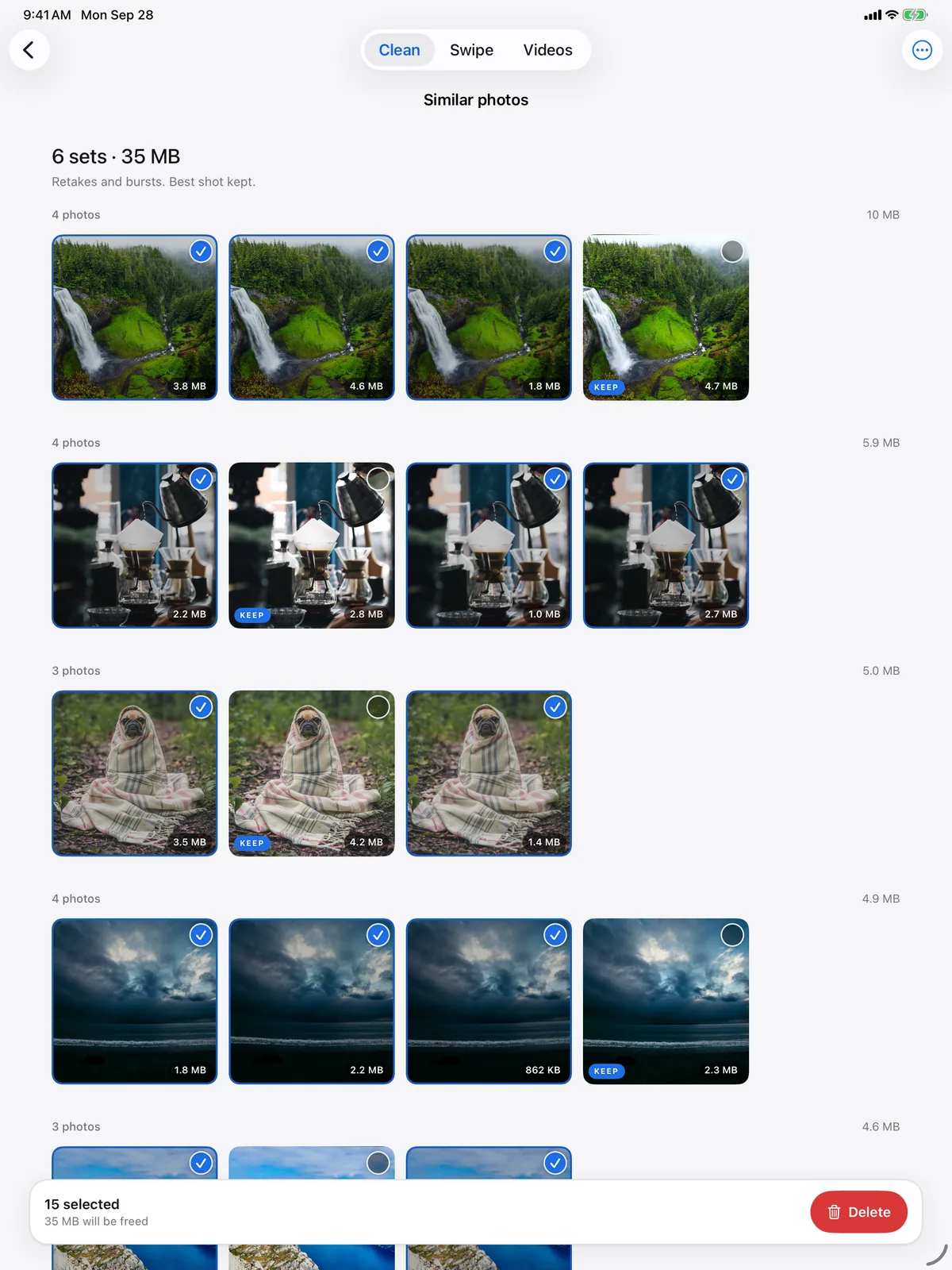
Tidyshots finds the retakes, duplicates, screenshots, blurry shots and giant videos filling your storage, keeps the best of each set, and frees the space in one tap.
Free to scan and review. Pro unlocks the cleanup, with a 3-day free trial.
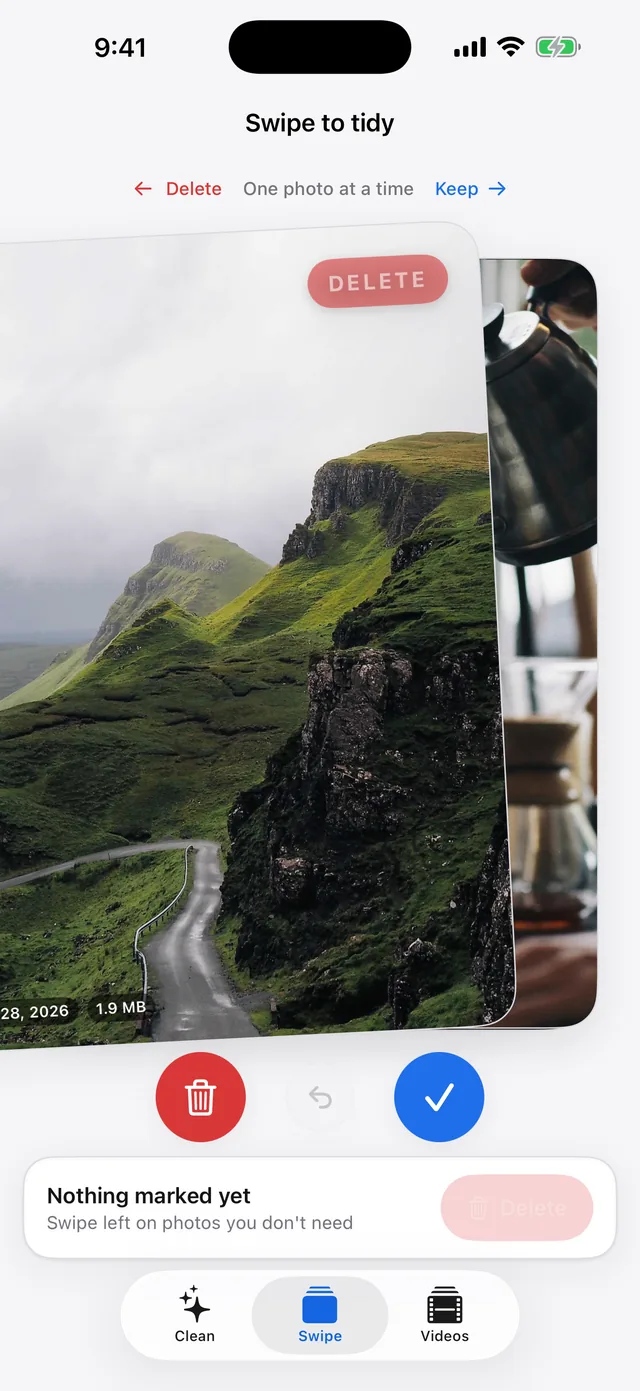
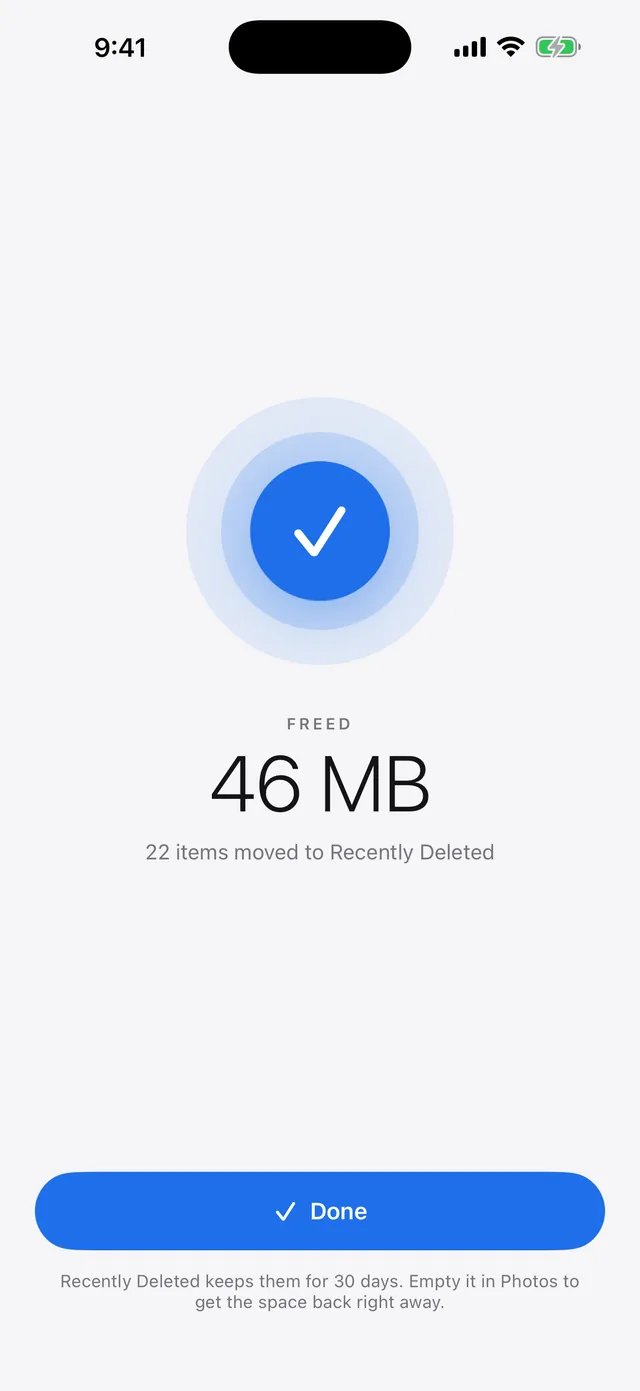
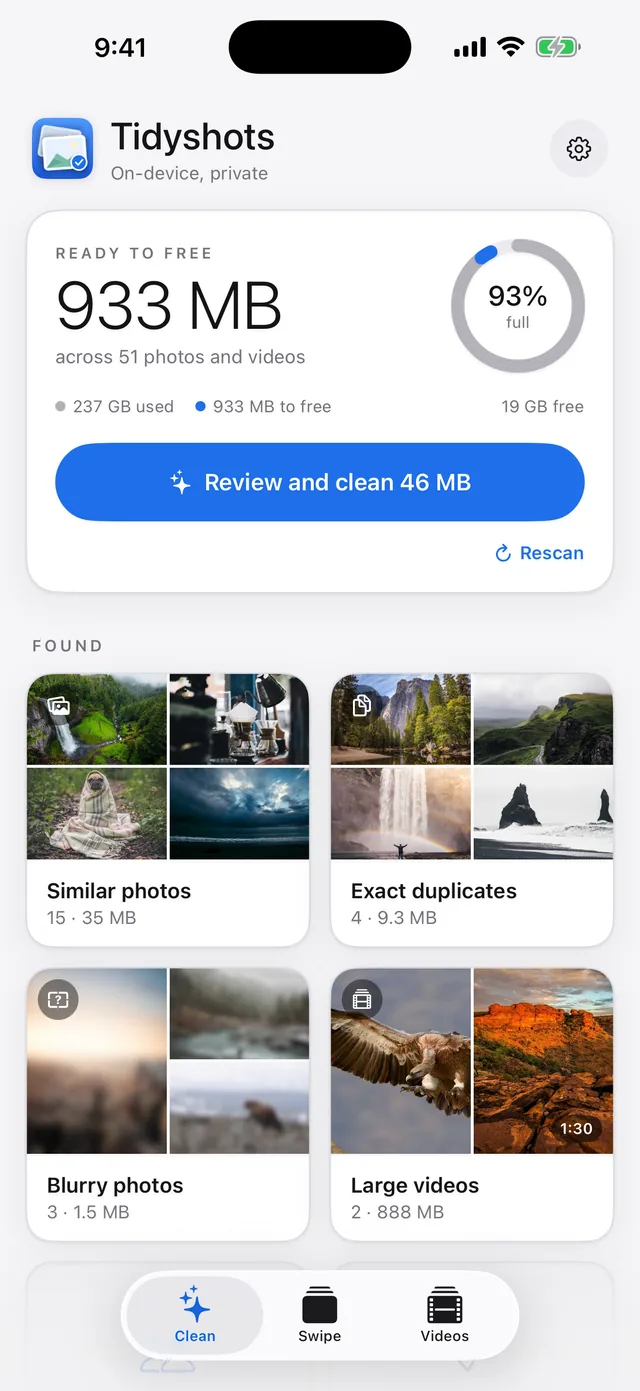
Four ways to win back space.
Pick the one that suits you.
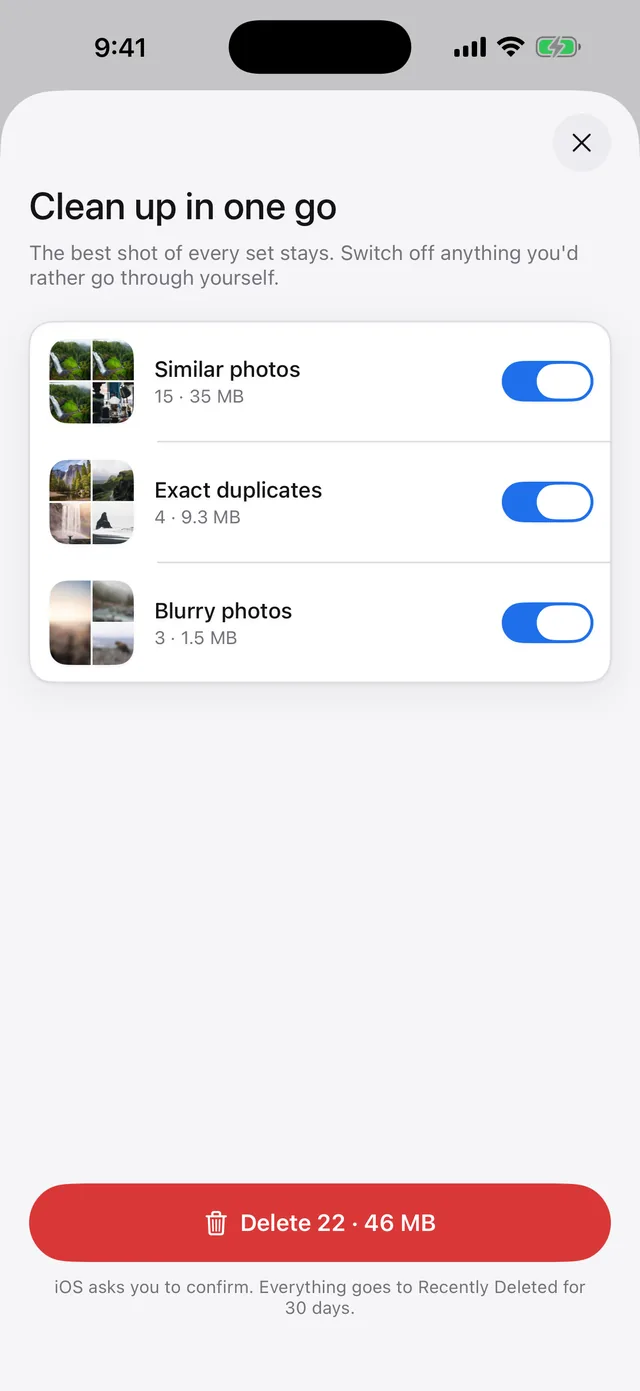
Photo analysis stays on your device.
Tidyshots analyses locally available media on your iPhone or iPad and keeps scan signals locally for the next scan. iCloud downloads, purchases and online services need a connection. See the Privacy Policy for paywall and analytics data.
- Scanned on deviceYour media is analysed using Apple's frameworks.
- You confirm media deletionsThrough iOS's own delete dialog, every time.
- Time to change your mindDeleted media waits in Recently Deleted for up to 30 days.
Does Tidyshots upload my photos?
Tidyshots analyses media on your device and does not send photo or video content to its paywall or analytics providers. Scan signals are cached locally between sessions. Scanning locally available media can work offline; iCloud downloads, purchases and online services need a connection. Share sends selected media to your chosen destination. Paywall and analytics services receive separate usage, purchase, identifier and diagnostic data, as explained in the Privacy Policy.
Can it delete something by mistake?
Photo and video deletions require you to review the selection and confirm in iOS's own delete dialog. Deleted media can be restored from Recently Deleted for up to 30 days unless permanently deleted sooner. Tidyshots does not automatically merge or delete contact cards; Open in Contacts hands changes and linking to Apple's contact editor.
How is this different from the Duplicates album in Photos?
Photos merges exact duplicates only. Tidyshots also finds similar shots from bursts and retakes, blurry photos, screenshot piles and large videos, and it can compress a video instead of deleting it.
What does it cost?
Scanning, reviewing and opening Apple's contact editor are free. Pro unlocks photo/video deletion, video compression and saving enhancements on supported devices. Choose a weekly subscription with a 3-day free trial for eligible users, or a yearly subscription. Prices and trial terms appear before purchase. Subscriptions renew automatically until cancelled in Settings › Apple Account › Subscriptions; cancel a trial at least 24 hours before it ends to avoid a charge.
Which devices does it support?
iPhone and iPad on iOS or iPadOS 18 or later. AI photo upscaling and video enhancement require iOS or iPadOS 26 and supported hardware; video upscaling also has input-resolution limits. The app explains when a tool is unavailable.